

👋 Welcome to the 101st issue of The OSINT Newsletter. This issue contains OSINT news, community posts, tactics, techniques, and tools to help you become a better investigator.
🚨 This is the first post in the return of OSINT Tool Tuesday, an ongoing series of tool review deep dives aimed at helping investigators improve their tool kit. I understand it’s Thursday… we will be publishing these on Tuesdays moving forward!
TheBigBrother
TheBigBrother is a GitHub project that offers a comprehensive OSINT framework designed to investigate an individual’s digital footprint across the internet, enabling users to gather information such as associated usernames, social media profiles, metadata, and other publicly available intelligence. Essentially, it’s a username tool on steroids.
🎩 H/T: Chadi0x
TheBigBrother allows you to search primarily by username, while also supporting a range of modules including email lookups, domain intelligence, metadata extraction (EXIF), and cryptocurrency tracing.
It brings together multiple OSINT techniques into a single toolkit, making it a valuable resource for investigations across law enforcement, cyber security, corporate intelligence, executive protection, and online threat analysis.
In this guide, I’ll walk you through how to set up The Big Brother, how to use the tool, practical use cases you can apply it to, and key pivot points you can leverage from the information it uncovers.
Let’s get started. ⬇️
Setup
Recommended = Docker Method
The easiest way to get The Big Brother up and running is by using Docker, which handles all dependencies and environment configuration for you.
Prerequisites
Before you begin, make sure you have installed:
Docker
Docker Compose
You can verify installation with by typing these commands into your terminal:
docker --version

docker-compose --version
Step 1: Clone the Repository
On your terminal, run:
git clone https://github.com/chadi0x/TheBigBrother.git

cd the-big-brother
Step 2: Launch TheBigBrother
Run the following command to build and start the tool:
docker-compose up --buildThis will:
Build the Docker image
Install all required dependencies
Launch The Big Brother environment
MANUAL SETUP
If you prefer not to use Docker, you can install and run The Big Brother locally using Python.
Prerequisites
Make sure the following are installed:
Python 3.8+
Git
pip
You can verify with:
python3 --version

git --version

pip3 --version
Linux/MacOS Setup
Create a virtual environment
python3 -m venv venv

source venv/bin/activate
Install Dependencies
pip install -r requirements.txt

playwright install chromium
Launch the Application
python -m uvicorn the_big_brother.gui.main:app --port 8000Windows Setup
Install Dependencies
pip install -r requirements.txt

playwright install chromium
Launch the Application
python -m uvicorn the_big_brother.gui.main:app --port 8000Next Steps:
Once running, open your browser and go to:
http://localhost:8000
You’ll see the The Big Brother web interface, where you can:
Enter usernames
Run modules
View results visually
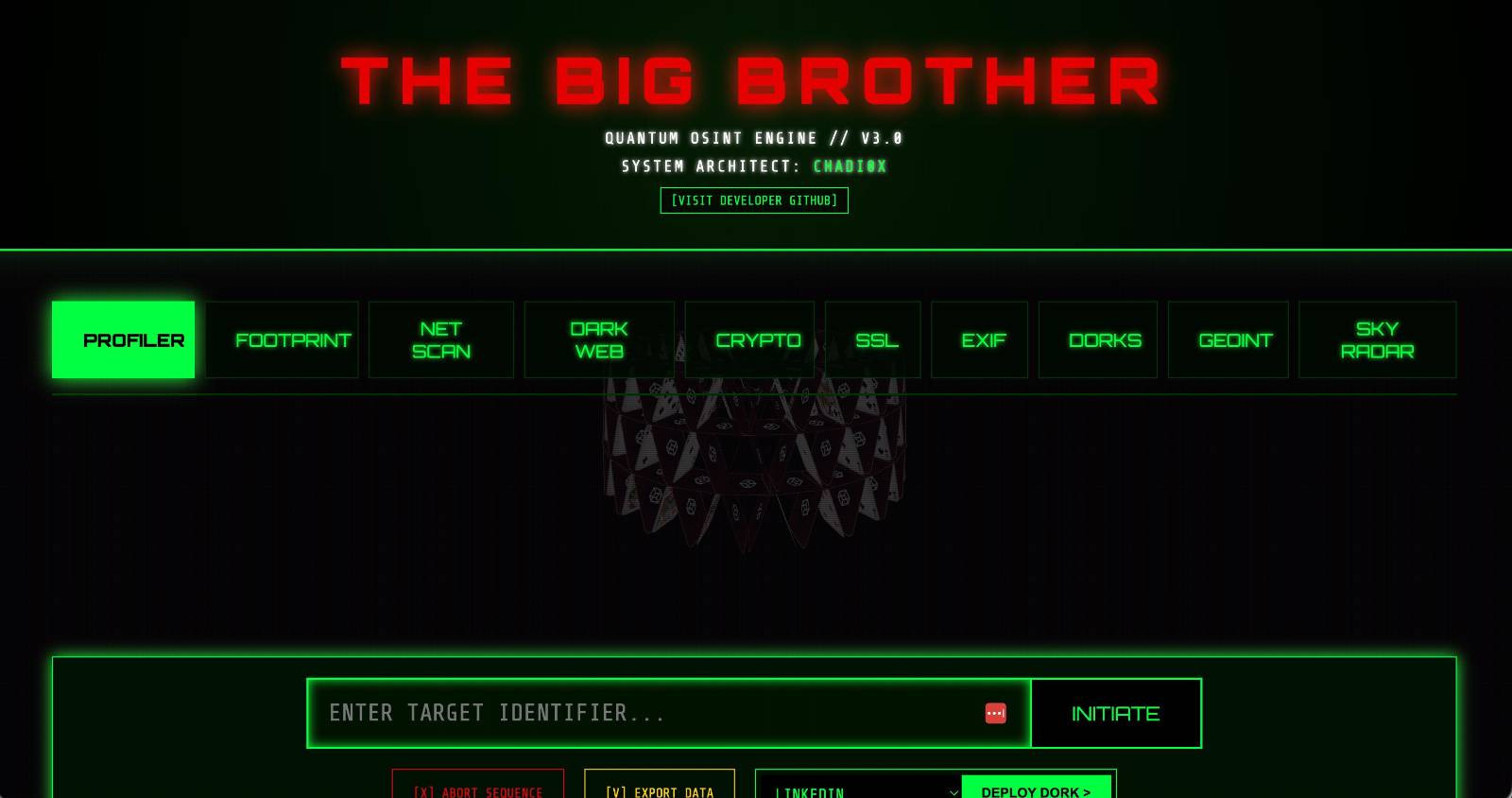
Now, let’s dive into TheBigBrother usage and use cases.
Usage
Now that we’ve covered the basics, let’s dive into some of the core modules within The Big Brother and how you can use them in OSINT investigations.
Profiler
The Profiler module is designed to build a high-level overview of a target by aggregating information from multiple sources into a single profile.
This can include:
Usernames
Social media accounts
General online presence
Example:
python3 thebigbrother.py --profiler testusernameThis will produce a consolidated view of the target, helping you quickly understand who you’re dealing with.
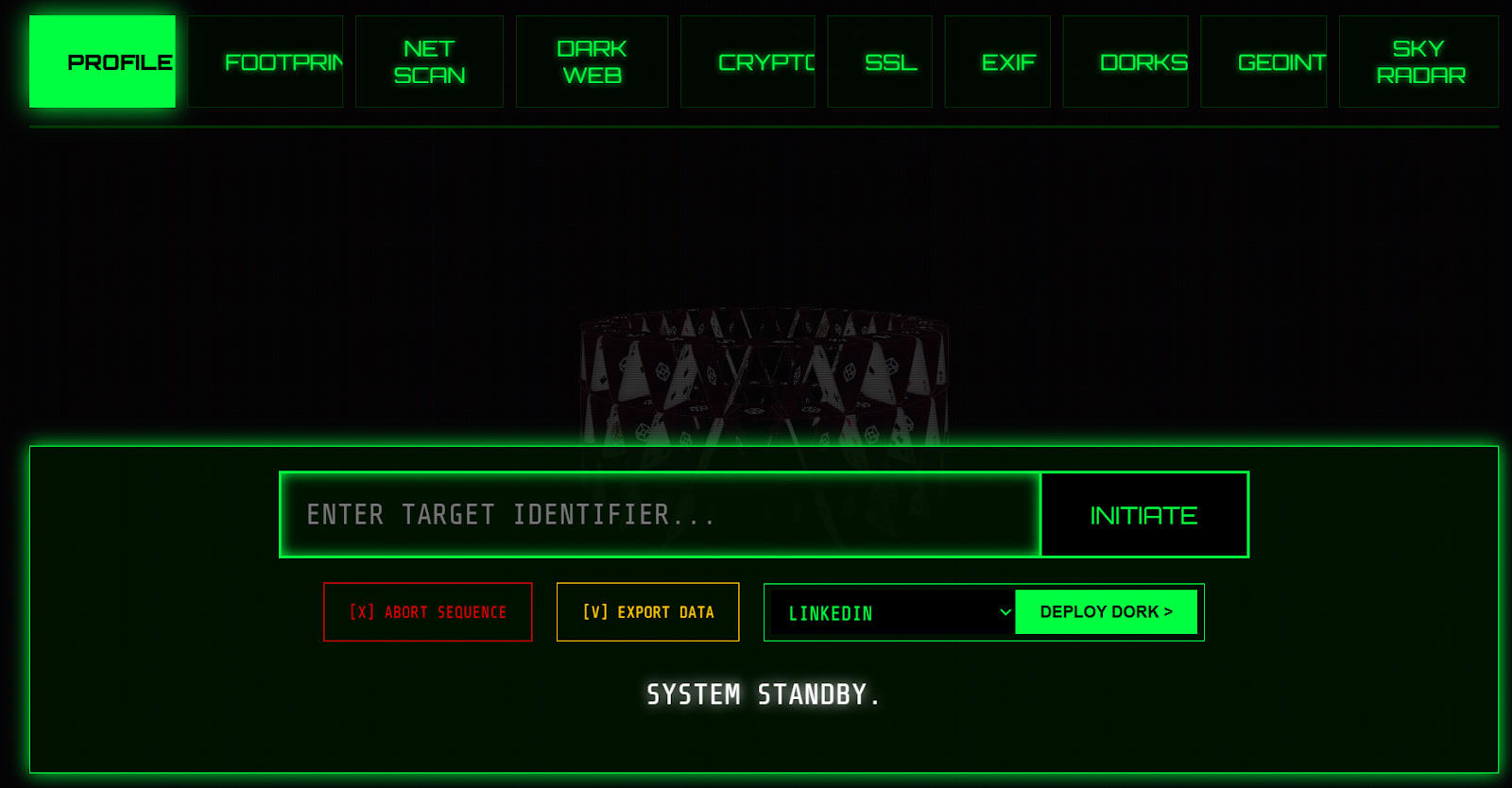
On the web interface, you can enter a target identifier (username, email address, phone number). Associated profile images will appear in the blank space above.
🗒️ This is a great starting point before diving deeper into specific modules.
Footprint
The Footprint module focuses on identifying where a username exists across the internet.
Example:
python3 thebigbrother.py --footprint testusernameThis will:
Enumerate accounts across platforms
Highlight reused usernames
Map out digital presence
As you can see, our test on the web interface brought up 7 platforms linked to our email address.
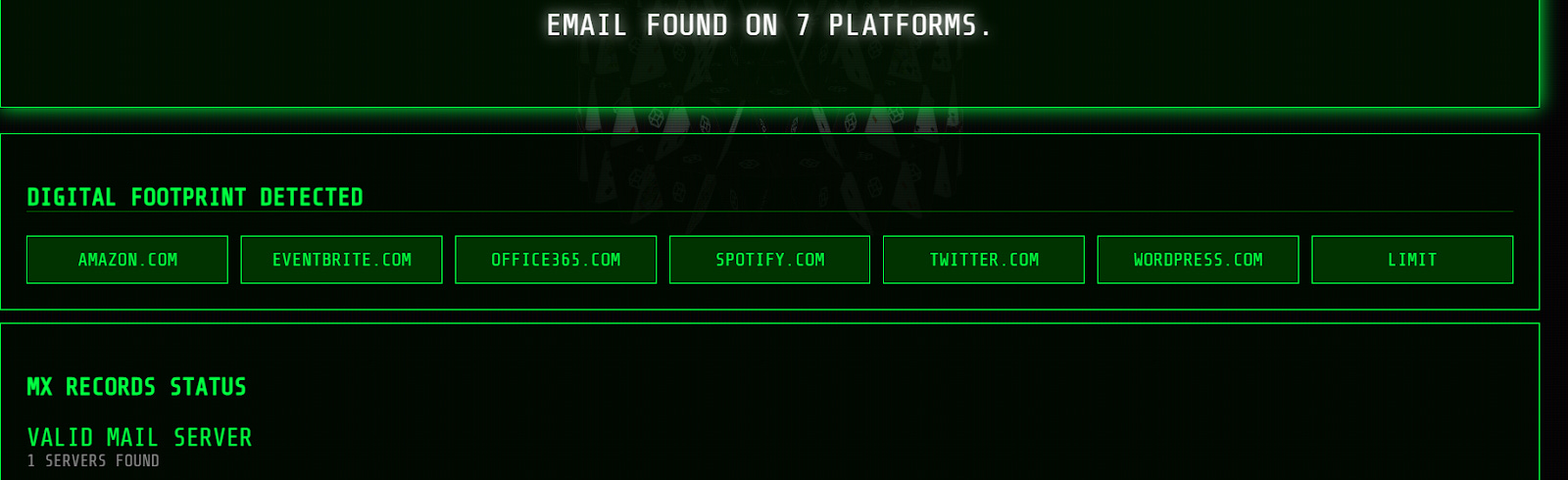
🗒️ Use this to identify pivot points into other tools or manual investigation.
Net Scan
The Net Scan module is used for gathering network-level intelligence.
Example:
python3 thebigbrother.py --netscan example.comThis may return:
IP addresses
Open ports
Hosting/provider information
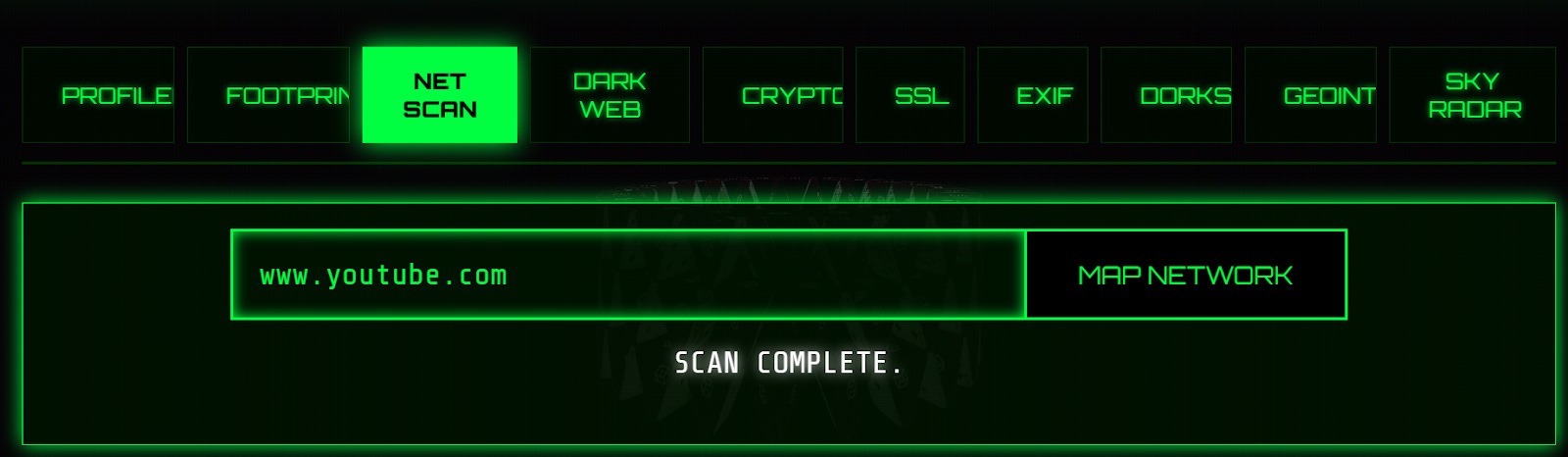
Our YouTube example on the web interface brought up the below network information:
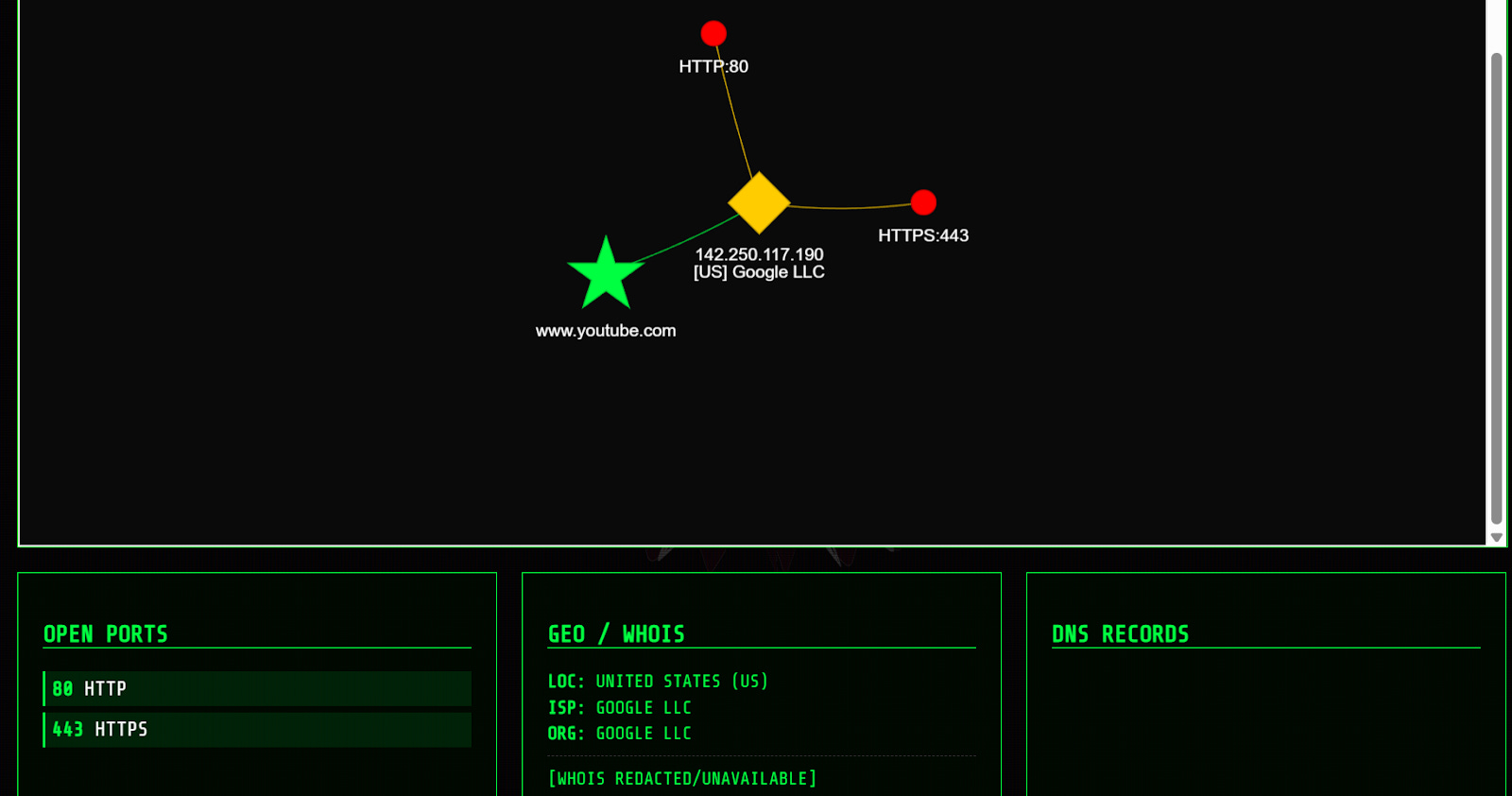
🗒️ Useful for infrastructure mapping and identifying related assets.
Dark Web
The Dark Web module attempts to identify whether a target appears in:
Data breaches
Leaked databases
Dark web mentions
Example:
python3 thebigbrother.py --darkweb test@email.comThis can help uncover:
Compromised credentials
Exposure risks
Historical leaks
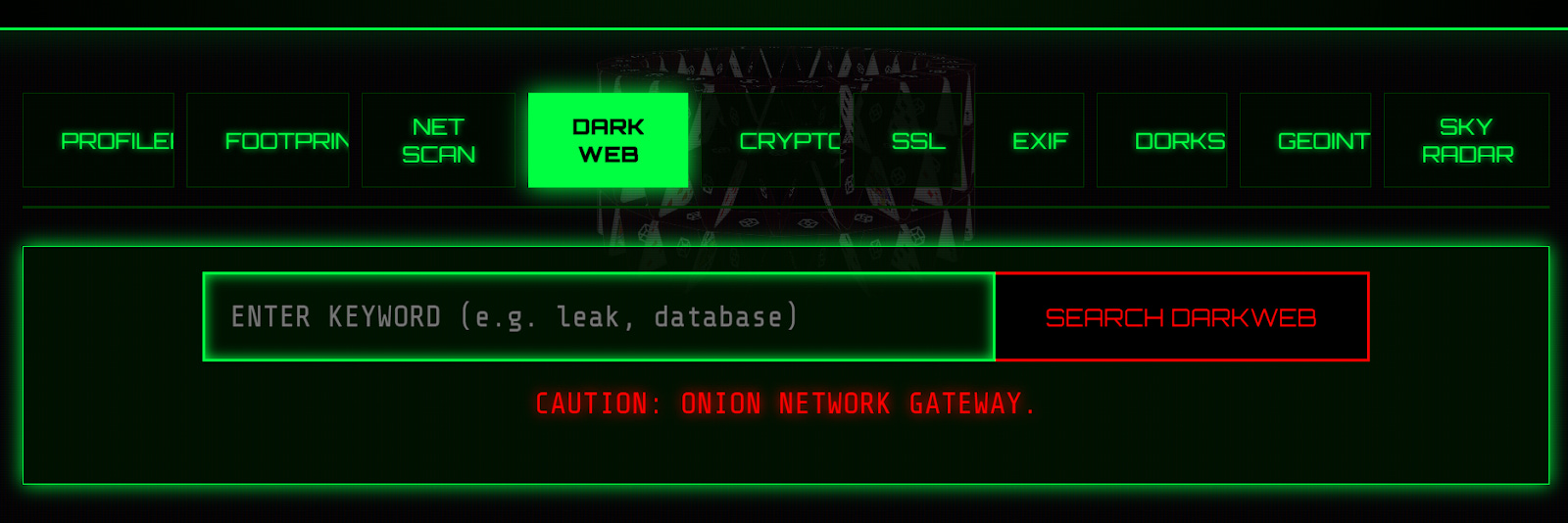
You can enter a keyword e.g. a leak or database into the web interface search bar as below:
Crypto
The Crypto module is used to analyse cryptocurrency wallets and transactions.
Example:
python3 thebigbrother.py --crypto <wallet_address>This may reveal:
Transaction history
Wallet activity
Links to other wallets
On the web interface, simply enter the wallet address in question into the search bar below (bitcoin or ethereum).
🗒️ Particularly useful in fraud, ransomware, or financial investigations.
SSL
The SSL module gathers intelligence from SSL certificates.
Example:
python3 thebigbrother.py --ssl example.comThis can uncover:
Associated domains
Certificate details
Infrastructure links
🗒️ Great for finding hidden or related domains tied to a target.
EXIF
The EXIF module extracts metadata from images.
Example:
python3 thebigbrother.py --exif image.jpgThis may include:
GPS coordinates
Device information
Date/time data
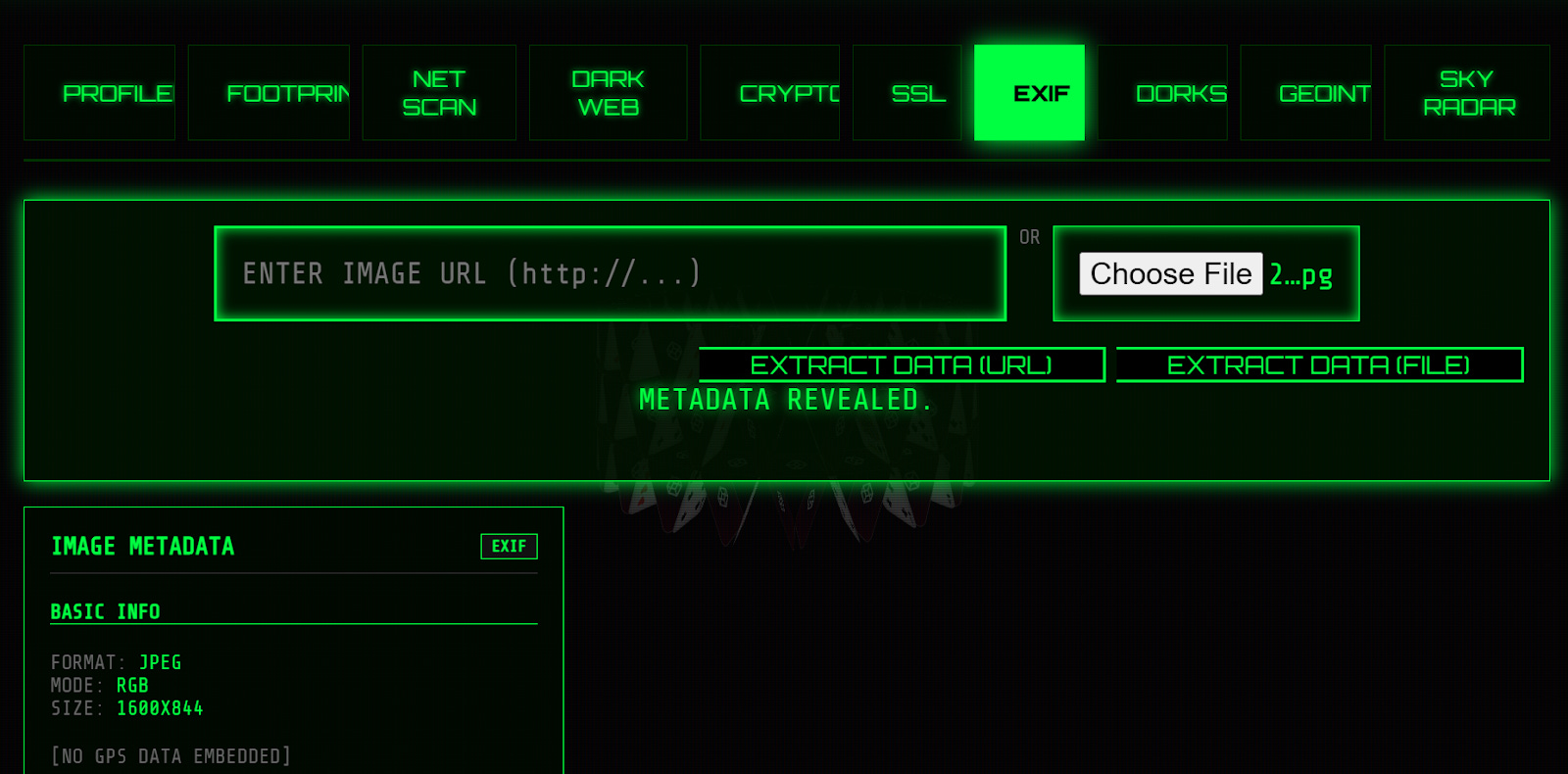
As in our web interface example, you won’t always get detailed information.
🗒️ Extremely useful when analysing images from social media or leaks.
Dorks
The Dorks module leverages advanced search queries (Google Dorking) to find indexed information about a target.
Example:
python3 thebigbrother.py --dorks testusernameThis will generate queries to uncover:
Public documents
Exposed data
Indexed profiles
🗒️ Helps surface information that isn’t easily found through direct searches.
GEOINT
The GEOINT module focuses on geographic intelligence.
Example:
python3 thebigbrother.py --geoint <location_or_image>This may help:
Identify locations from images
Analyse geographic patterns
Support situational awareness
Our web interface search produced various location insights from various different sources, ideal for corroboration.
🗒️ Useful for uncovering location-based insights from images, videos, and geographic data.
Sky Radar
The Sky Radar module is used for aviation-related intelligence.
Example:
python3 thebigbrother.py --skyradar <flight_or_aircraft>This can provide:
Flight tracking data
Aircraft information
Movement patterns
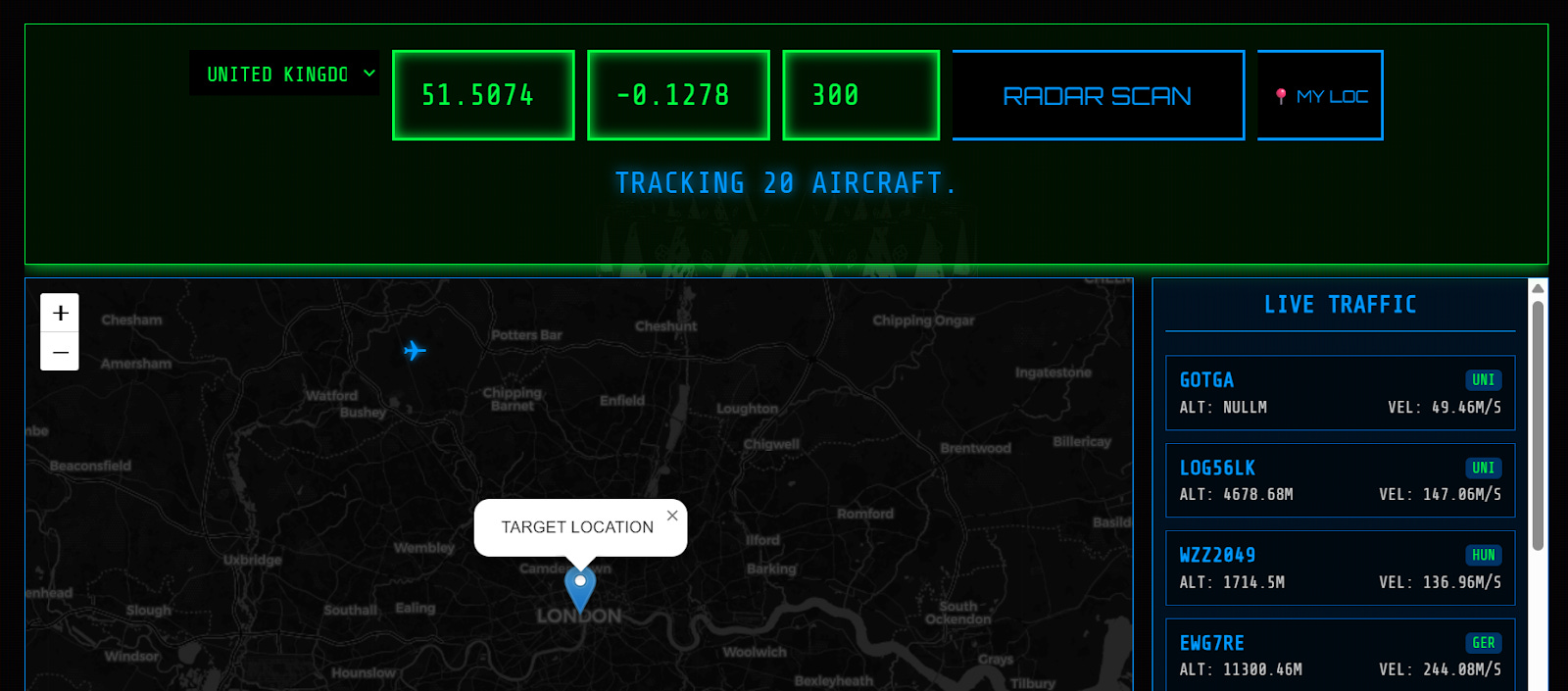
🗒️ Useful in niche investigations involving travel, logistics, or tracking assets.
Use Cases
TheBigBrother is essentially a username intelligence + image correlation tool that:
scans hundreds of platforms (~400+) for usernames
pulls profile images
runs automated reverse image searches across multiple engines
That combination is best for identity linking, username pivoting, and avatar-based correlation.
The bottom line? It shines in early-stage investigations, when you’re trying to answer: “Where else does this person exist online?”
Where this tool is actually useful in OSINT:
Identity Correlation/linking accounts
If you start with a username or even just a profile image, you can find matching usernames across platforms, confirm links using reused profile pictures, and cluster accounts belonging to the same person.
Social Media Investigations
The tool accelerates what analysts normally do manually i.e. searching usernames across platforms, comparing profile photos and running reverse image searches separately. With this automated, you can quickly find forgotten/old accounts, identify niche platforms, and uncover behaviour patterns across platforms.
Reverse Image Pivoting
This is, in our opinion, an underrated use of the tool. Essentially, because it auto-runs reverse image searches, you can detect reused avatars across multiple accounts, spot fake personas using stock/AI images, and find the original source of a profile image. This is useful for catfish investigations, scammer tracking, or simply verifying whether a persona is real.
Threat Intelligence / Cyber Investigations
In cyber threat intel, attackers often reuse usernames, avatars, and branding. TheBigBrother helps pivot from a known handle to a broader footprint, and can identify presence on GitHub, forums, marketplaces, and social platforms.
Red Teaming / Privacy Audits
Security teams can use this tool to understand what an attacker could discover publicly via simulating how easily identities can be correlated and identifying OPSEC failures such as username and avatar reuse.
🏁 New CTF Challenge Live - The Insider
A new CTF challenge has been posted on our CTF website. This week’s challenge focuses on Local search methods. Your task is to identify the username of an insider who plans to target a company with ransomware and also determine the targeted company name.
Start competing in our Capture the Flag (CTF)
🪃 If you missed the last CTF, here’s a link to catch up.
Last week’s CTF challenge featured a challenge titled “The Hacktivist”.
Solution WU :
Using Twitter Viewer - View Twitter Without Account and typing the username of the X account “RepresaliaNet” we could browse the posts made by the threat actor without having an account.
While browsing the posts, we could notice that one of the posts published on Nov 28, 2024 contains the username : YourZer321-PVC
Scrolling further, we could see that the first post date was : 25/09/2024
To find the country we needed to have an account (Sock Puppet). By clicking on “about this account”, we could see that the account was based in : Uzbekistan
✅ That’s all for this issue of The OSINT Newsletter. Thanks for reading and supporting this publication with a paid subscription.
💡 Remember OSINT != tools. Tools help you plan and collect data but the result of that tool is not OSINT. You must analyze, verify, receive feedback, refine, and produce a final, actionable product of value before it can be called intelligence.